
Your menu on every TV, changed from your phone.
Vionix puts your menus, prices, specials, photos and videos on the TVs in your restaurant, café or shop. Change a price or mark an item sold out, and the screens show it within seconds.
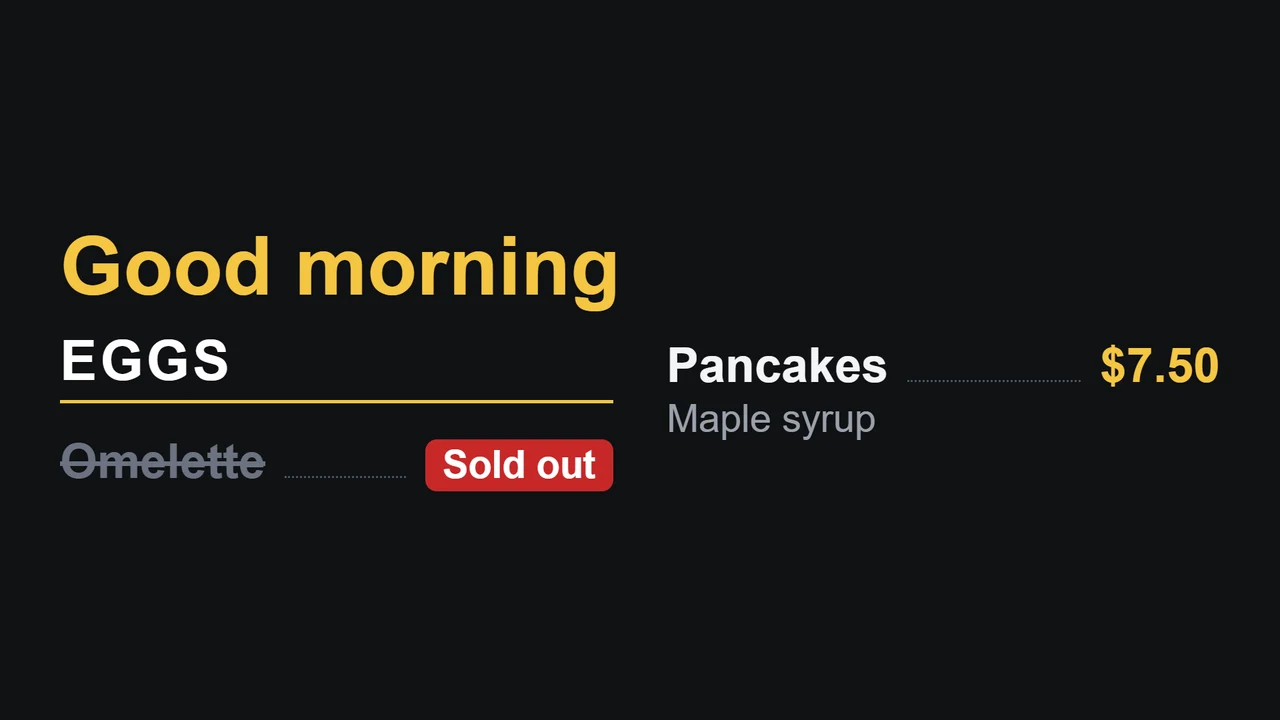
What it does
Everything is done from a phone or computer. The TVs only show it.
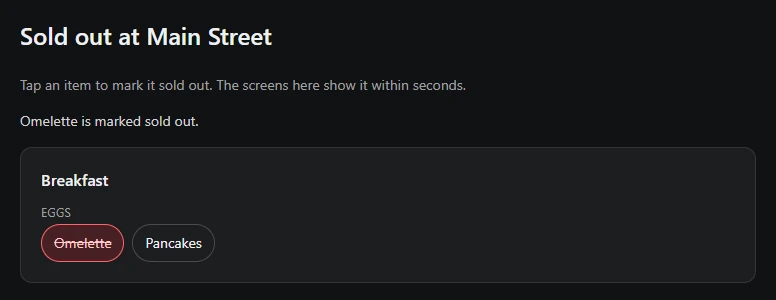
Sold out in one tap
Tap an item and every screen at that location crosses it out. Tap it again when it's back. Staff can do it too, from their own login.
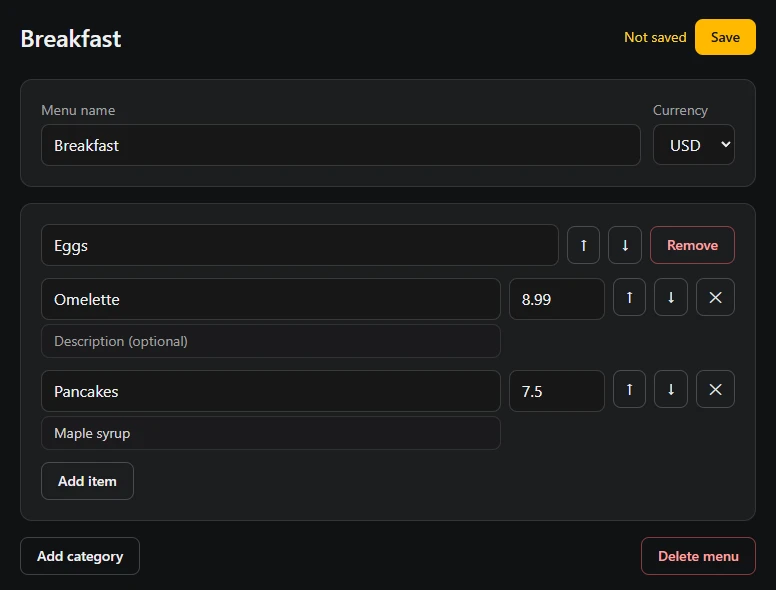
Menus with prices
Categories, items, descriptions and prices, in your currency. Change a price once, and every screen showing that menu has it.
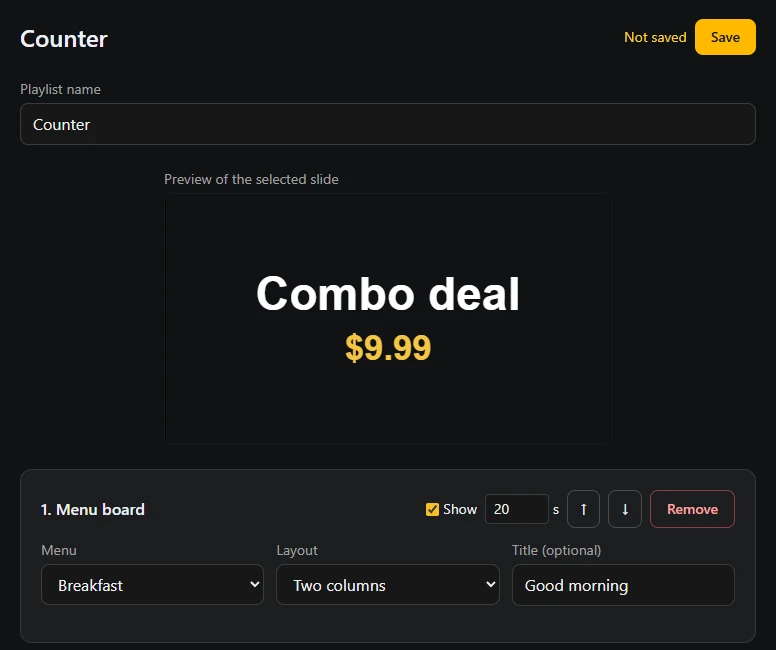
Playlists
Mix menu boards, promos, photos and videos, and choose how long each one shows. A preview shows each slide as the TV will.
Made for a busy day
Times of day
Show the breakfast menu until 11, then lunch, on its own.
Closed hours
The screens at a location go black while it's closed.
More than one location
Each location has its own screens, hours and sold-out list.
Staff logins
Give staff a login of their own that can mark items sold out and change nothing else.
How it works
Sign in with your email
We send you a code. There's no password to remember.
Pair the TV
Open the Vionix app on the TV box. It shows a QR code: scan it with your phone, or type in the code it shows.
Put your menu on it
Add your items and prices, put them in a playlist, and choose the screens that show it.
What you need
- A TV with an Android TV or Google TV box plugged in.
- The Vionix TV app. It's on its way to Google Play. Until then, write to us and we'll help you set it up.
- Internet at the location, over Wi-Fi or a cable.
- A phone or computer to make your changes.